

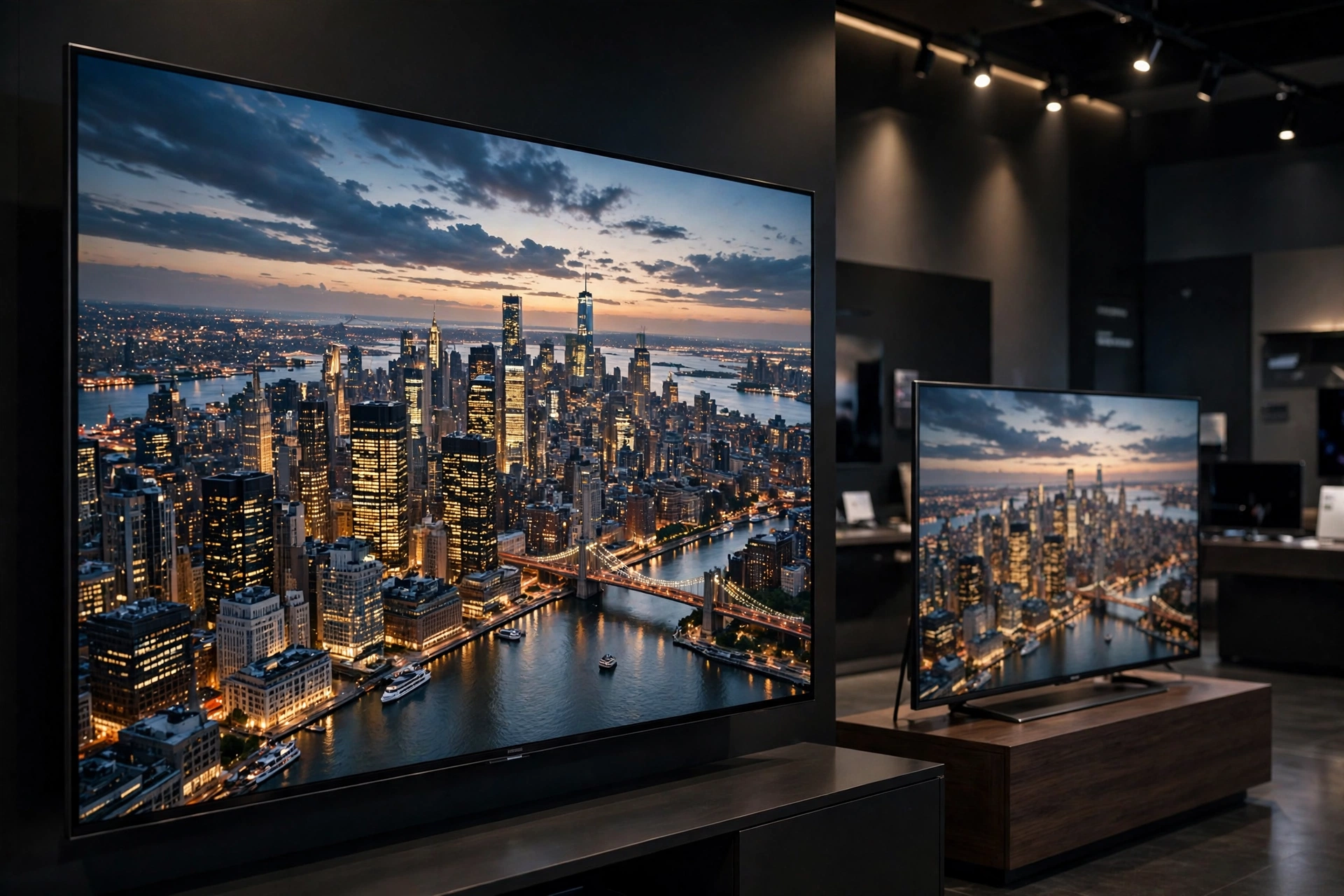
When you shop for a new TV or pick a streaming plan, one question comes up again and again: what is the difference between 4K and 1080p movies? Both labels describe video resolution, but the gap between them is bigger — and in some ways subtler — than most marketing suggests.
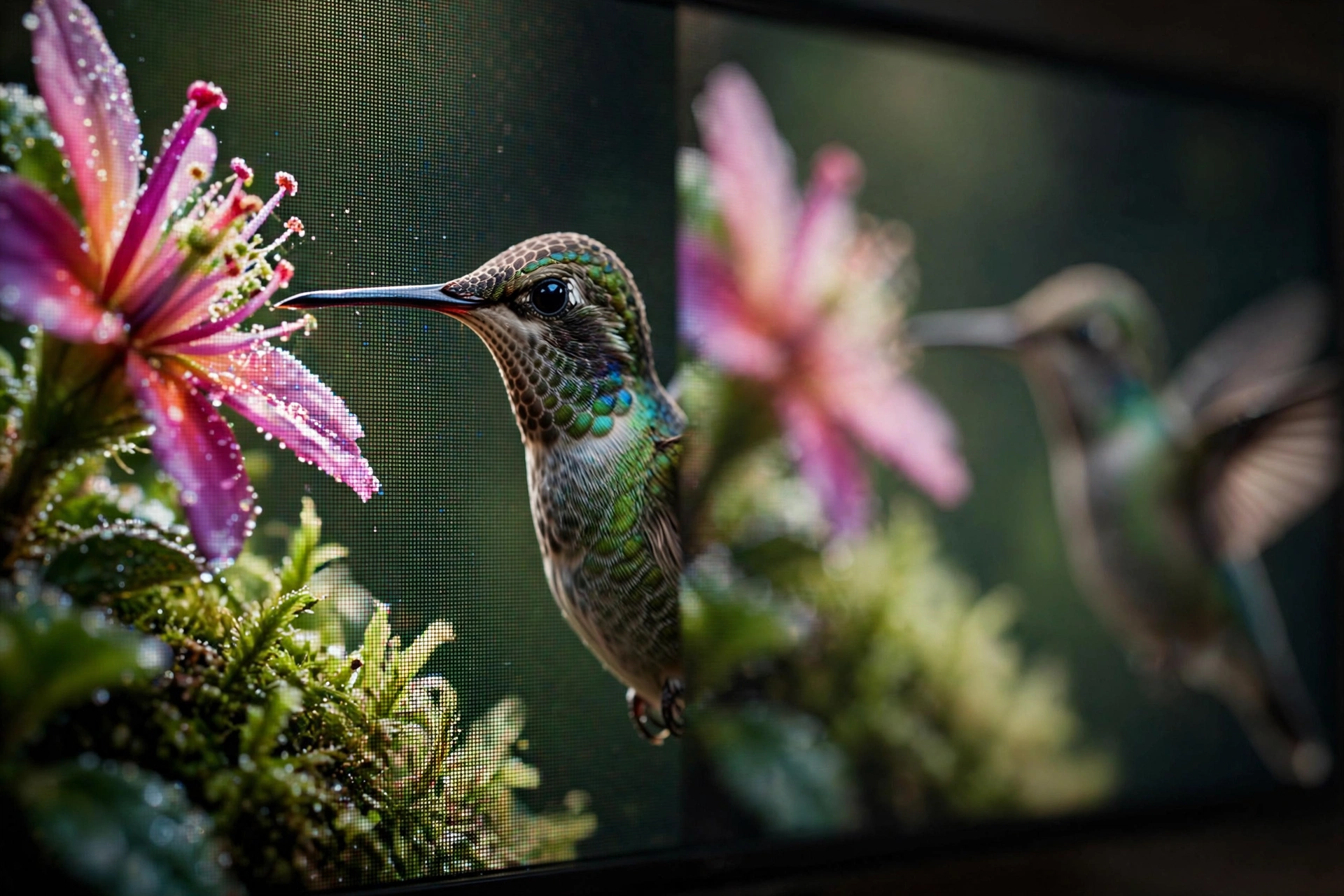
In this guide, we will break down exactly what 4K and 1080p mean, compare them pixel by pixel, explain why resolution is only part of the picture (literally), and help you decide when 4K is genuinely worth it.
The Short Answer: Pixels
The simplest way to explain what is the difference between 4K and 1080p movies is counting pixels.
- 1080p (Full HD): 1,920 pixels wide × 1,080 pixels tall — about 2.07 million pixels per frame.
- 4K (Ultra HD): 3,840 pixels wide × 2,160 pixels tall — about 8.3 million pixels per frame.
That means 4K packs four times as many pixels as 1080p, not twice as many. Think of it as four 1080p images stitched together into one. More pixels mean finer detail, sharper edges, and a cleaner picture — at least when the screen is large enough to show them.
Both formats use a 16:9 widescreen aspect ratio, and the “p” in both names stands for progressive scan, meaning the full frame is drawn at once rather than in alternating lines (interlaced).
Resolution Is Not the Whole Story
Here is the part that surprises most people: resolution alone does not determine how good a movie looks. A heavily compressed 4K stream can look worse than a clean, well-encoded 1080p Blu-ray. Three other factors matter just as much:
1. Bitrate: How Much Data Carries the Picture
Bitrate measures how much data is used per second of video. More data generally means fewer compression artifacts like blockiness, banding, or smudging in dark scenes. A 1080p Blu-ray disc typically runs at a much higher bitrate than a 4K Netflix stream — which is why the “lower resolution” disc can sometimes look sharper. When streaming, your internet speed determines which quality your device actually receives.
2. HDR: High Dynamic Range
Many 4K movies are delivered with HDR (formats like HDR10, Dolby Vision, or HDR10+), which expands the range between the brightest highlights and darkest shadows while allowing a much wider color gamut. According to Ultra-high-definition television on Wikipedia, UHDTV supports the Rec. 2020 color space, which can reproduce colors the older Rec. 709 standard used by 1080p simply cannot display. For many viewers, HDR makes a bigger visual difference than the resolution bump itself.
3. Source Quality and Mastering
A movie shot, finished, and mastered in true 4K will look noticeably sharper in 4K than 1080p. But plenty of “4K” streams are upscaled from 2K or 1080p digital intermediates — common for films finished before the 4K era. Upscaled 4K still benefits from HDR and higher bitrates, but the raw detail advantage shrinks.
4K vs 1080p: When Does the Difference Actually Matter?
So, what is the difference between 4K and 1080p movies in real-world viewing? It depends on three things:
- Screen size: On a 55-inch or larger TV viewed from a normal couch distance, the extra detail of 4K is clearly visible. On a phone or small tablet, your eyes cannot resolve the difference at typical distances.
- Viewing distance: Sit closer, and 4K’s advantage grows; sit far away, and 1080p looks nearly identical. This is sometimes called the “Lechner distance” — the point beyond which higher resolution stops being perceptible.
- Content type: Fine detail — landscapes, crowd scenes, textures, nature documentaries — shows the biggest gap. Dialogue-heavy dramas shot in soft light show less of one.
As a rule of thumb: big screen + close seating = 4K shines. Small screen + far away = 1080p is plenty.
Bandwidth: What 4K and 1080p Streaming Really Need
Higher resolution costs more data. Roughly speaking:
- 1080p streaming: around 5 Mbps is enough for smooth playback on most services.
- 4K streaming: around 15–25 Mbps is recommended, depending on the service and compression codec.
A two-hour 1080p movie might use 6–9 GB of data, while the same film in 4K can use 15–20 GB or more. If your internet connection is slow or capped, 1080p is the practical choice — buffering ruins any resolution advantage.
When 1080p Is More Than Enough
4K gets the headlines, but 1080p remains the sweet spot for plenty of situations:
- Watching on laptops, tablets, or phones.
- Older or smaller TVs that are not 4K displays.
- Slower or data-capped internet connections.
- Casual viewing where maximum fidelity is not the priority.
1080p is also cheaper: 4K TVs, faster internet, and premium streaming tiers all cost more. For many households, 1080p delivers 90% of the experience for a fraction of the cost.
Should You Upgrade to 4K?
Ask yourself these questions:
- Is your screen 55 inches or larger? (If yes, 4K pays off.)
- Do you sit relatively close to the TV?
- Do you watch visually rich content — blockbusters, nature docs, sports?
- Is your internet fast enough (15+ Mbps stable) for 4K streaming?
- Does your TV support HDR? (This matters as much as resolution.)
If you answered yes to most of these, 4K is a worthwhile upgrade. If not, 1080p remains a great, affordable way to enjoy movies — and as streaming compression keeps improving, even 1080p looks better than it did a few years ago.
FAQs: 4K vs 1080p Movies
1. Is 4K twice as good as 1080p?
No — 4K has four times the pixels of 1080p, but “twice as good” is not how vision works. The visible improvement depends on screen size, viewing distance, bitrate, and whether the content includes HDR.
2. Can I watch 4K movies on a 1080p TV?
Yes. Streaming apps automatically send your TV the resolution it supports. You will not see the 4K detail, but the movie will still play normally — sometimes with slightly better quality thanks to downscaling from a higher-quality master.
3. Do all 4K movies have HDR?
No. HDR is a separate feature from resolution. Most modern 4K content includes it, but check for labels like HDR10 or Dolby Vision — that is where much of the “wow” comes from.
4. Why does my 4K stream sometimes look blurry?
Usually the bitrate dropped. If your connection cannot sustain 4K speeds, the app quietly switches to a lower-quality stream. A well-encoded 1080p stream can outshine a starved 4K one.
5. Is 4K Blu-ray better than 4K streaming?
Generally yes. Discs deliver far higher bitrates than streaming, so a 4K Blu-ray typically looks sharper and cleaner than the same movie streamed in 4K — especially in dark or fast-moving scenes.
6. Will 8K replace 4K soon?
Not for most viewers. 8K TVs exist, but native 8K movie content is extremely rare, and the visible benefit over 4K is negligible at normal TV sizes and distances. 4K will be the standard for years to come.
Conclusion
So, what is the difference between 4K and 1080p movies? At its core, 4K delivers four times the pixels — 8.3 million versus 2.1 million — plus, usually, HDR and wider color. But resolution is only one ingredient: bitrate, HDR, mastering quality, screen size, and viewing distance all shape what you actually see. Choose 4K for a big-screen, close-up home theater experience; stick with 1080p for smaller screens, slower connections, and lighter budgets. Either way, the movie itself matters more than the pixel count.
And if you are looking for great films to watch in either resolution, our guide on how to watch movies legally online free shows you where to stream them at zero cost.