
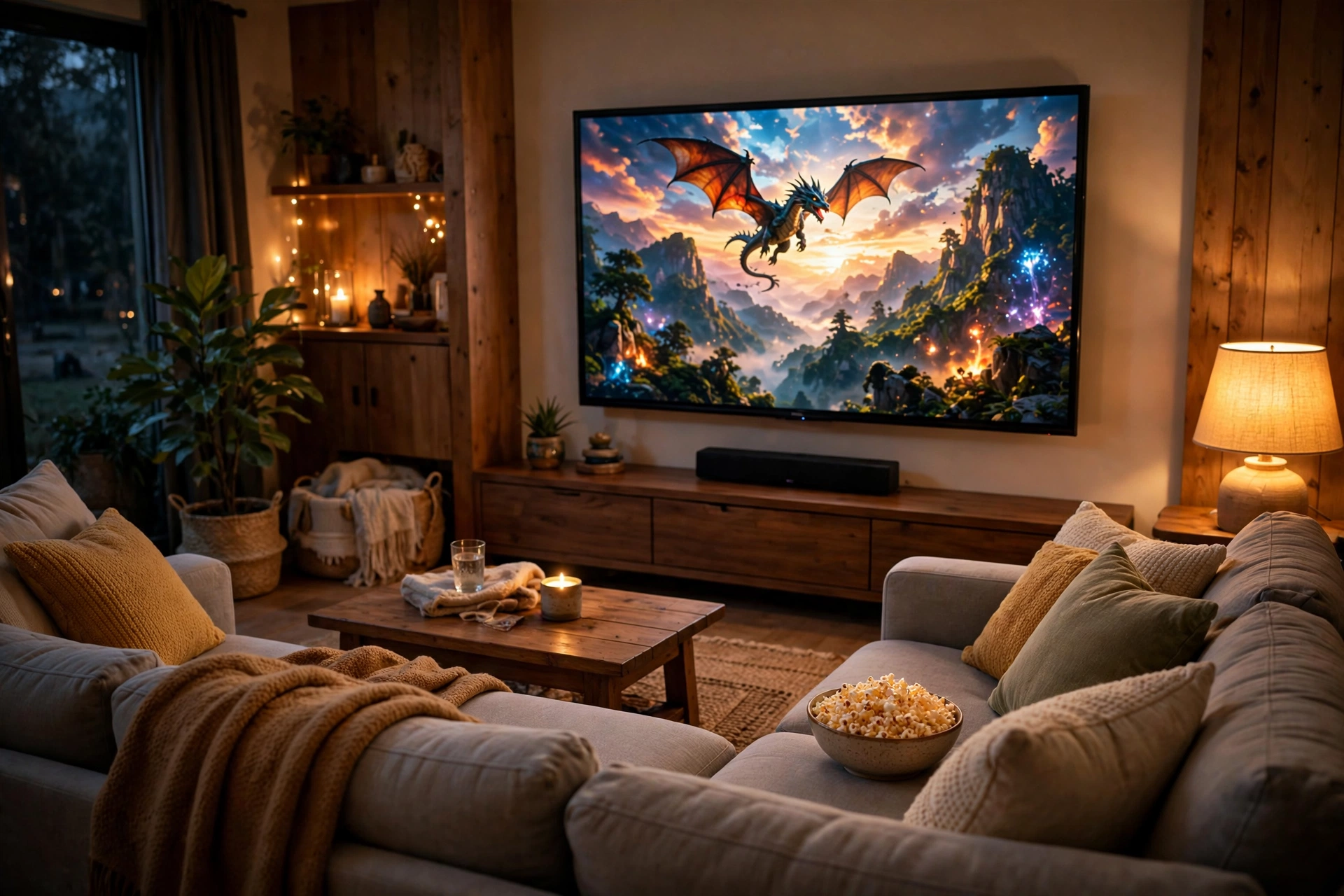
There’s nothing like watching hd movies the way they were meant to be seen — sharp detail, rich color, and clean sound. But between 720p, 1080p, 4K, HDR, and a dozen streaming services, it’s easy to feel lost. The good news: getting a true high-definition movie experience at home is simpler and cheaper than ever, and you don’t need to cut corners or visit sketchy sites to do it.
This guide walks you through everything that matters — what HD actually means, where to stream movies legally in HD, how much internet speed you need, and how to set up your devices so every movie night looks its best.
What “HD” Actually Means for Movies
“HD” gets thrown around a lot in marketing, so let’s start with the basics. When a service says a movie is in HD, it means the picture has enough resolution to look crisp and detailed on a modern TV — far beyond the old standard-definition broadcasts of the past.
The HD Quality Tiers
- 720p HD (1280×720 pixels): The entry level of high definition. Fine for phones and smaller screens, and a noticeable step up from standard definition. Many free streaming services default to this tier on mobile connections.
- 1080p Full HD (1920×1080 pixels): The sweet spot for most viewers. On TVs up to about 55 inches, 1080p looks excellent, and it’s the most widely supported resolution across streaming apps, Blu-ray discs, and smart TVs.
- 4K Ultra HD (3840×2160 pixels): Four times the pixels of 1080p. On big screens (55 inches and up), the extra detail is genuinely visible — sharper edges, finer textures, and a more cinematic feel. More services now offer 4K streams, though some reserve them for paid tiers.
- HDR (High Dynamic Range): Not a resolution but a color technology. HDR expands the range between the darkest and brightest parts of the image, giving you more lifelike highlights and deeper shadows. It often makes a bigger visual difference than the jump from 1080p to 4K.
Resolution Isn’t Everything: Bitrate Matters Too
Here’s something most guides skip: two streams at the same resolution can look very different. That’s because of bitrate — the amount of data used per second of video. A high-bitrate 1080p stream from a quality service can look better than a low-bitrate 4K stream from a compressed one. When choosing where to watch, pick reputable services that invest in good encoding rather than squeezing streams down to save bandwidth.
Where to Watch HD Movies Legally
The legal streaming landscape has exploded, and many of the best options are free. Licensed ad-supported services now offer thousands of movies in HD at no cost, funded by short commercial breaks — just like broadcast TV.
Some of the most reliable free options include Tubi, Pluto TV, Amazon’s Freevee, The Roku Channel, Crackle, and Plex’s free library. Your local library may also unlock premium-quality streams through services like Kanopy and Hoopla, which are completely free with a library card. YouTube even hosts a dedicated free-with-ads movie section from licensed distributors.
For example, Tubi streams thousands of licensed movies in HD with no subscription required — you can browse the catalog and start watching immediately. If you want to spend nothing at all on movie night, check out our curated guide to free HD movies, where we break down every major legal free source and how to get the most out of each one.
Paid services like Netflix, Disney+, Max, and Apple TV+ also deliver HD and 4K as standard, often with HDR and premium audio included. The right choice depends on your budget — but as far as picture quality goes, free services have closed the gap considerably.
How Much Internet Speed Do You Need for HD Movies?
Buffering is the enemy of movie night. Here’s a practical rundown of the connection speeds each quality tier needs for smooth, uninterrupted playback:
- 720p HD: 3–5 Mbps is usually enough for a single stream.
- 1080p Full HD: Aim for at least 5–10 Mbps per stream for a stable picture.
- 4K Ultra HD: Plan on 15–25 Mbps per stream. Some services recommend 25 Mbps to be safe.
A few practical tips:
- Test your real speed with an online speed test during the evening, when networks are busiest — not just at noon.
- Use a wired connection or sit close to your router if your streams stutter. Wi-Fi signal strength drops fast through walls.
- Check what else is using your bandwidth. A 4K movie plus someone else’s video call plus a game download can overwhelm a modest plan.
- Lower the stream quality manually in the app’s settings if you’re on a slow connection — a smooth 720p beats a stuttering 1080p every time.
If your plan is on the slower side, downloading movies for offline viewing (where the app allows it) is a great workaround — the file downloads once, and playback is perfectly smooth.
The Best Devices for Watching HD Movies
You don’t need a home theater to enjoy HD movies, but the right device makes a real difference:
- Smart TVs: Most TVs sold today are 4K smart TVs with streaming apps built in. Make sure yours supports the apps you want and can receive software updates.
- Streaming sticks and boxes: Devices like Roku, Amazon Fire TV Stick, Chromecast with Google TV, and Apple TV turn any TV with an HDMI port into a modern streaming hub — perfect for upgrading an older set.
- Laptops and desktops: Great for desk viewing, and the easiest way to access every service through a browser. Connect to your TV with an HDMI cable for the big-screen experience.
- Phones and tablets: Ideal for watching on the go. Download movies over Wi-Fi first to save mobile data.
- Game consoles: PlayStation and Xbox both run all major streaming apps and output full HD or 4K.
One overlooked factor: the HDMI cable. If you’re sending 4K HDR from a streaming box to your TV, use a High-Speed (or Ultra High-Speed) HDMI cable. Cheap, ancient cables can silently limit you to lower quality.
How to Get the Best HD Picture Quality
Once you’re set up, a few tweaks squeeze the most out of every stream:
Turn Off Motion Smoothing (or “Soap Opera Effect”)
Many TVs ship with motion interpolation enabled, which makes movies look like cheap video. Find the motion setting in your TV’s picture menu and turn it off (or switch to “Cinema”/”Movie” mode) for a proper film look.
Use Movie or Cinema Picture Mode
The default “Vivid” or “Dynamic” mode oversaturates colors and crushes detail. Movie/Cinema/Filmmaker Mode gets you far closer to what the filmmakers intended — and it’s usually one menu tap away.
Mind Your Lighting
A completely dark room can make bright scenes feel harsh, while daylight washing over the screen kills contrast. A soft lamp behind the TV (bias lighting) reduces eye strain and makes blacks look deeper.
Don’t Forget Audio
Great picture deserves decent sound. Even a modest soundbar or a pair of good headphones dramatically improves the experience over thin built-in TV speakers. Many streaming apps offer 5.1 surround sound on HD streams — check the app’s audio settings to enable it.
Frequently Asked Questions
What is the difference between HD and Full HD movies?
HD usually refers to 720p resolution (1280×720 pixels), while Full HD means 1080p (1920×1080 pixels). Both are high definition, but Full HD packs roughly twice the pixels, so it looks sharper — especially on larger screens.
Can I really watch HD movies for free legally?
Yes. Licensed ad-supported services like Tubi, Freevee, Pluto TV, and The Roku Channel stream movies in HD for free, and library services like Kanopy and Hoopla offer premium streams at no cost with a library card. You’re trading a few ad breaks (or a library membership) for a completely legal, high-quality experience.
Why does my “HD” stream sometimes look blurry?
Most likely causes: your internet speed dipped and the app auto-lowered the quality, your device’s app settings cap the resolution, or you’re watching on a very large screen where 720p gets stretched. Check the app’s playback settings and your connection speed.
Is 4K worth it over 1080p for movies?
On screens 55 inches and larger, viewed from a normal distance, 4K’s extra detail is noticeable — especially with HDR. On smaller screens or phones, the difference is hard to spot, and 1080p is plenty. Content availability matters too: not every movie is offered in 4K on every service.
Do free streaming services have the same quality as paid ones?
Often, yes — at least at the 720p/1080p level. Free services use modern encoders and licensed masters, so their HD streams look clean. Paid services mainly pull ahead with 4K HDR catalogs, Dolby Atmos audio, and offline downloads on more titles.
Conclusion
Watching hd movies in 2026 doesn’t require expensive subscriptions or technical wizardry. Understand the quality tiers, pick licensed services (many of them free), make sure your internet and devices are up to the task, and spend five minutes tuning your TV’s picture settings. Do that, and every movie night will look the way the filmmakers intended — crisp, colorful, and completely above board.